Best Trex IPTV Subscription — 50,000+ Channels & 160,000+ VOD
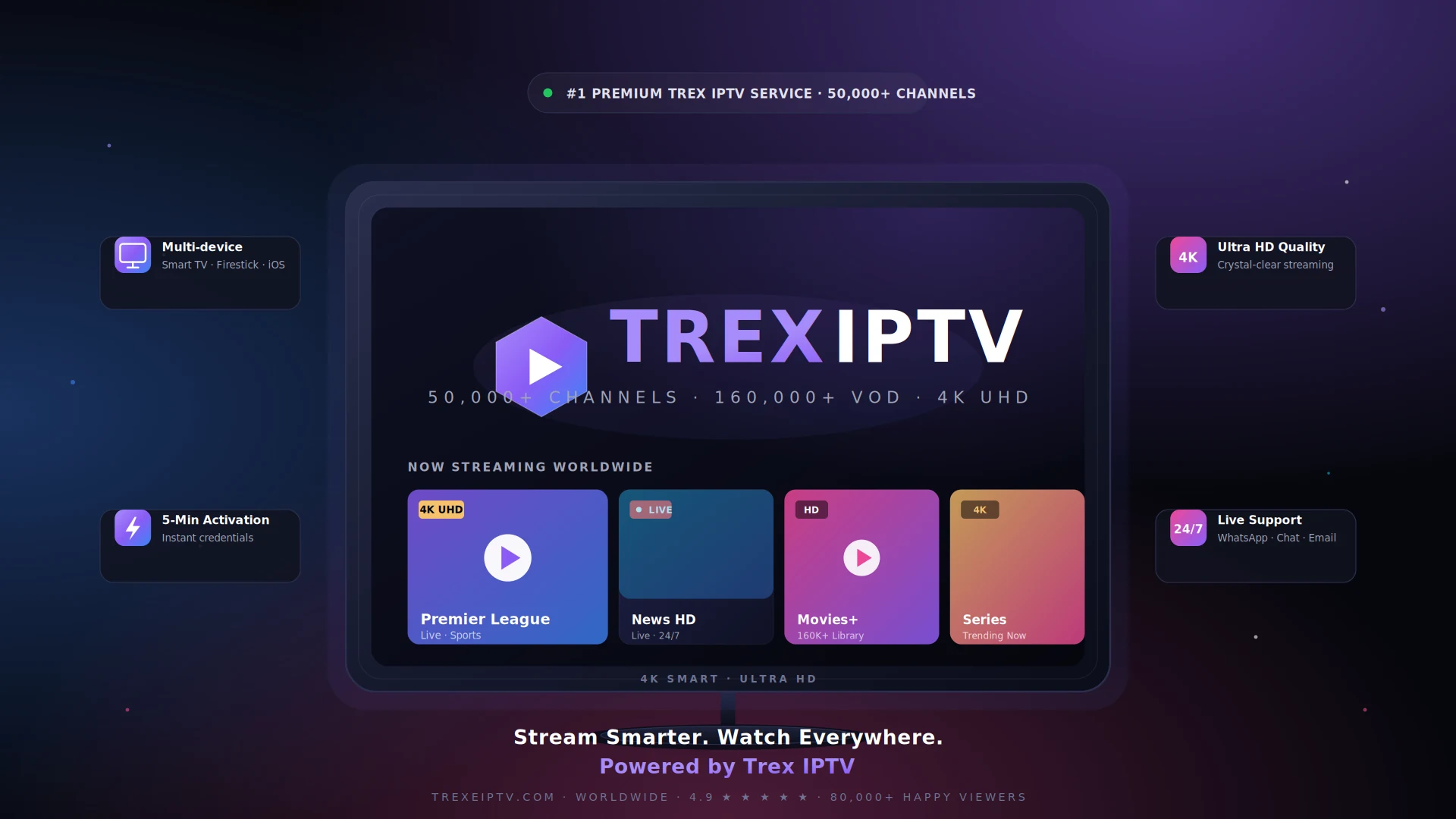
Stream live TV, blockbuster movies and trending series in stunning 4K Ultra HD. Trex IPTV runs on lightning-fast, stable worldwide servers with instant activation in under 5 minutes — works on every device you own.
Why Trex IPTV is built different
Everything you expect from a premium streaming service — and everything you didn't know you needed.
50,000+ Live Channels
Sports, news, movies, kids, premium and adult — covering 100+ countries in every major language.
160,000+ VOD Library
Latest movies, full series box-sets and exclusive content updated daily — no Netflix needed.
Multi-device Support
Smart TV (Samsung, LG, Android TV), Firestick, iOS, Android, Mac, PC, MAG, Formuler, Enigma2.
4K & HD Streaming
Crystal-clear picture with adaptive bitrate. Watch in 4K UHD, FHD or HD with no quality drops.
Fast & Stable Servers
99.9% uptime, low-latency CDNs across 5 continents. Zero buffering, even during peak hours.
24/7 Live Support
Real humans on WhatsApp, live chat and email — ready to help you set up, troubleshoot and stream.
Trex IPTV servers active worldwide
Wherever you live, you're always close to a Trex IPTV server. Our global infrastructure delivers ultra-low latency from North America and Europe to the Middle East, Asia and Oceania.
A peek inside the Trex IPTV experience
Premium UI, lightning-fast navigation, and a beautifully organized library of 50,000+ channels and 160,000+ movies — all in stunning 4K.
Trex IPTV subscription plans
One subscription. Every channel, every movie, every device. Cancel anytime — no hidden fees, no contracts.
1 Month
Try Trex IPTV risk-free
$24 Save 30%
- 50,000+ Live channels worldwide
- 160,000+ Movies & series VOD
- Full 4K / FHD / HD quality
- 1 device connection
- Anti-freeze technology
- EPG TV guide included
- Instant activation (under 5 min)
- 24/7 customer support
3 Months
Great for short-term users
$42 Save 40%
- Everything in 1 Month plan
- Premium & PPV channels
- Catch-up TV (last 7 days)
- External player compatible
- Adult channels (optional)
- Free server upgrades
- Priority email support
6 Months
Most popular for families
$84 Save 52%
- Everything in 3 Months plan
- VPN compatible streaming
- Full sports packages (PPV)
- International channels (USA, UK, DE, FR, ES…)
- Live events & F1 in 4K
- Priority WhatsApp support
- Free re-activation if needed
12 Months
Save 64% — most savings
$168 Save 64%
- Everything in 6 Months plan
- 4K / 8K UHD highest bitrate
- Full PPV + premium sports
- All adult channels included
- Free trial extension if downtime
- VIP 24/7 support (under 10 min reply)
- 30-day money-back guarantee
Loved by viewers in the USA & worldwide
Over 80,000 happy customers across 120+ countries trust Trex IPTV every single day.
Switched from cable and never looked back. The 4K quality on NFL Sunday Ticket is unreal — zero buffering even during halftime. Best $60 I've spent all year.
Activated in 3 minutes after I paid. Premier League, La Liga and Champions League all in 4K, plus more movies than I'll ever watch. Customer service replied at 2am — incredible.
Tested it on my Firestick, Smart TV and iPhone — works flawlessly on all of them. The VOD library has every series I've been looking for, including new releases.
Honestly the most stable IPTV I've ever tried. I tested 4 services before this. Trex doesn't freeze, even when I'm streaming Bundesliga and a movie at the same time.
I'm a reseller and Trex's panel is the best I've used. Easy credit system, fast renewals and my customers stay because the service actually works. Recommended.
All Australian channels work perfectly, plus international ones. EPG is up to date and the picture is genuinely 4K, not fake HD. Worth every dollar.
Become a Trex IPTV Reseller
Build a recurring income stream by reselling the most reliable IPTV service on the market. Get wholesale pricing, your own panel and 24/7 support.
- Wholesale credit pricing
- Dedicated reseller panel
- Instant credit reload
- White-label compatible
- Fast subscription creation
- Priority technical support
Why thousands choose Trex IPTV
Premium quality you can feel from minute one. Here's what makes Trex IPTV the smarter pick.
No Buffering
Smooth streams powered by anti-freeze technology.
High Uptime
99.9% server uptime, 365 days a year.
Fast Activation
Receive credentials in under 5 minutes — automatic.
Affordable Pricing
Premium quality without the premium price tag.
Reliable Support
Real humans on chat, email and WhatsApp 24/7.
Trex IPTV — frequently asked questions
Quick answers to the most common questions. Still need help? Our support team is one message away.
What is Trex IPTV?
How does IPTV work?
Which devices are supported?
How fast is activation?
Do you provide support?
Is Trex IPTV legal & safe to use?
Start your Trex IPTV subscription today
Join 80,000+ happy viewers worldwide. Activate in under 5 minutes, watch on every device, cancel anytime — backed by our 30-day money-back guarantee.
Ready to Join Trex IPTV?
Over 15,000 customers already switched. Start streaming 50,000+ channels and 160,000+ movies in under 10 minutes.
⭐ Rated 4.9/5 by 2,150+ customers · Since 2021 · No contract required